Review the scenes
See which scenes need to be shot at the location.

For ADs, location managers, DPs, gaffers, key grips, and producers
Walk the location once. Leave knowing what Camera and Grip & Electric need to shoot it.
Review which scenes will be shot at the location. As the group walks, write down the camera package, lenses, support, fixtures, distro, rigging, scout photos, and anything that still needs an answer.
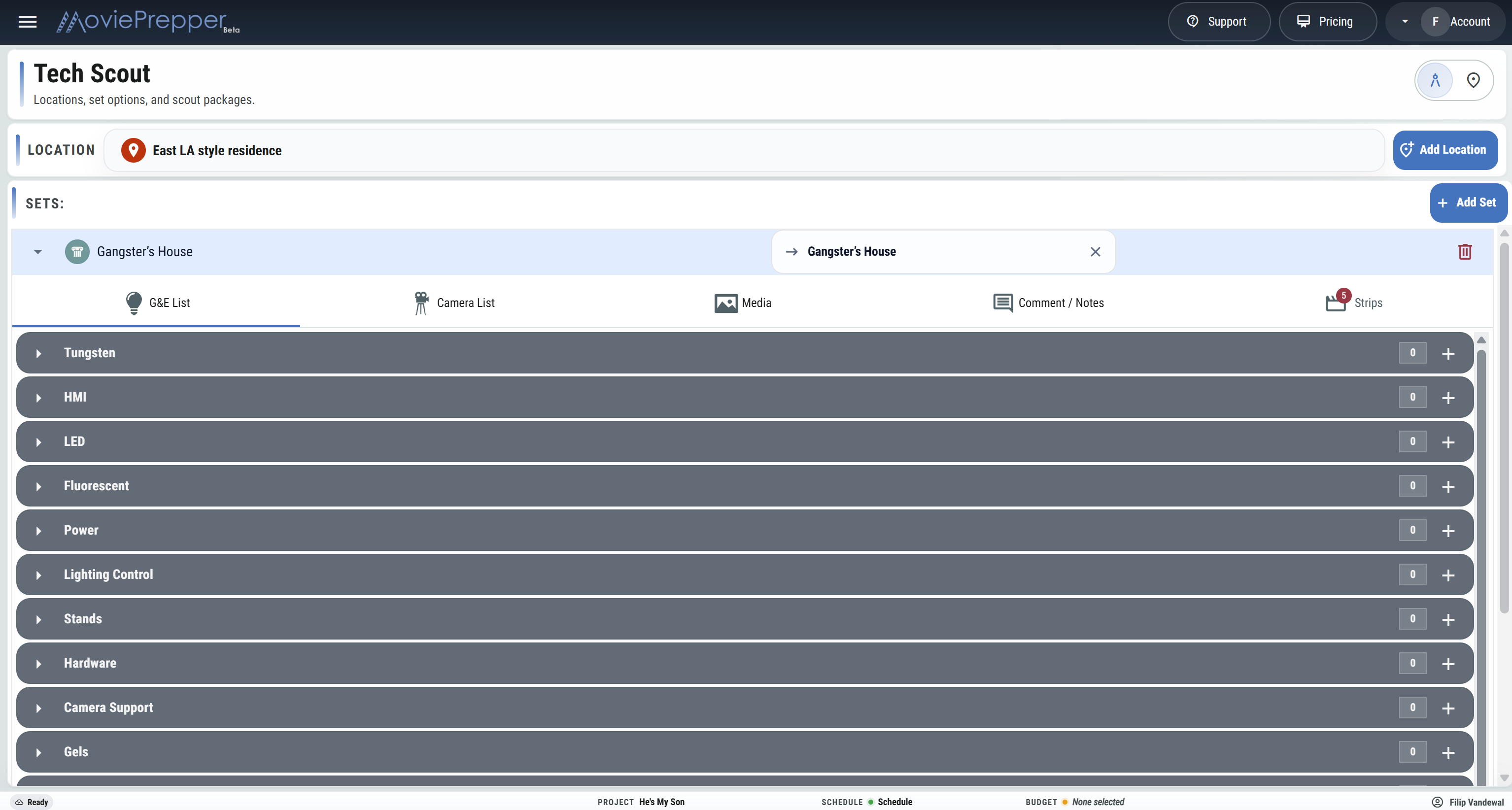
On the tech scout
The AD, DP, gaffer, key grip, and location manager are all standing in the same space. Go through the scenes, make the decisions, and write down what is needed for the shoot day.
See which scenes need to be shot at the location.
Take scout photos and note access, windows, power, rigging points, and open questions.
List the Camera, Grip, and Electric gear needed for each set.
Write down what still needs to be checked, approved, rented, or changed before shoot day.
At each location
The kitchen, hallway, bedroom, and exterior may all be shot at the same location. Each set can have its own scenes, photos, notes, Camera list, and Grip & Electric list.
See the location the production is scouting.
List every set scheduled at the location.
See which scenes need to be shot at the location, grouped by set.
List camera bodies, lenses, support, monitors, and specialty gear.
List fixtures, lighting control, distro, frames, rigging, and grip support.
Photograph the space and write down department decisions and questions while everyone is there.
Camera, Grip, and Electric can leave the scout with their gear lists, photos, scenes, and follow-ups written down.
Start a Tech Scout