Bring in the roles
See each character with its cast number, scenes, page count, and episode.

Casting for producers
Take each role from the script breakdown to a name on the cast list.
See who is up for the part, share choices with the team, cast the role, and keep the actor’s headshot, reps, notes, work dates, and scenes together.
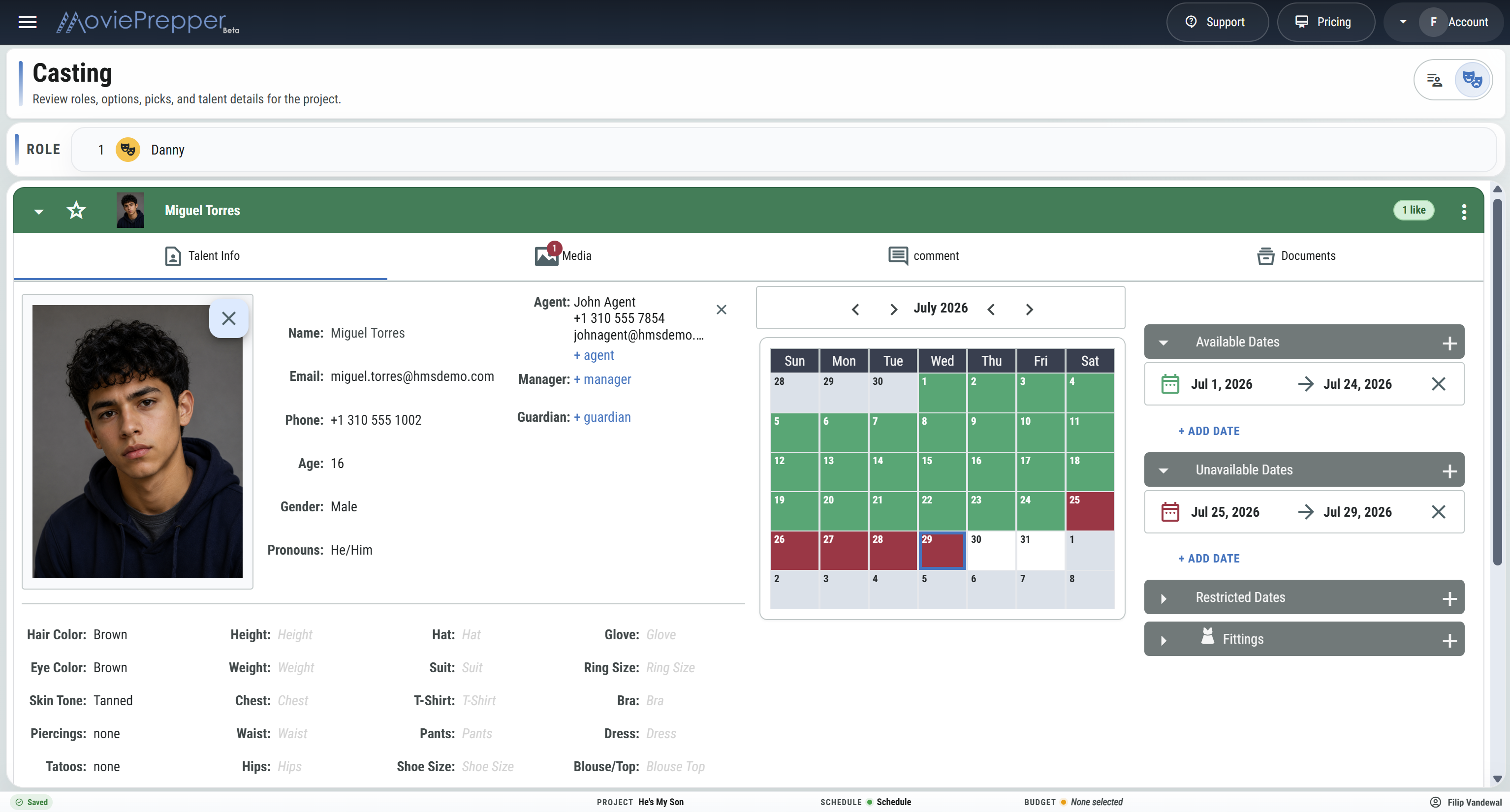
From breakdown to cast list
Start with the roles already found in the script. Review actors for each part, make the choice, and give production a cast list it can work from.
See each character with its cast number, scenes, page count, and episode.
Put the actors under consideration next to the role and compare them.
See who the director or producers like, choose the actor, and mark the role cast.
Print or export the cast list for the AD team, producers, and production office.
What you need for each role
Open a role and get the information needed to make the casting decision without chasing separate lists, emails, and folders.
See the character, cast number, episode, scene count, and total pages.
Keep everyone being considered for the part together so they are easy to compare.
See which choices the director, producers, and other decision-makers like.
Pick the actor and update the cast list with the person playing the role.
Keep the actor’s phone, email, pronouns, headshot, sizes, and other details close.
Keep agents, managers, and guardians with the actor they represent.
Keep headshots, reference images, reels, and casting paperwork with the actor.
Keep casting notes, production comments, and role-related dates with the role.
How big is the part?
Every role stays tied to the script breakdown, so casting and production can see the size of the part and the work attached to it.
Once the role is cast
Give the AD team, producers, coordinator, and production office the names and contacts they need for prep.
CAST LIST
Cast #, role, actor, phone, email, agent, manager, and guardian.
Keep the choices, final pick, actor details, reps, notes, and scenes with the cast list.
Start Casting